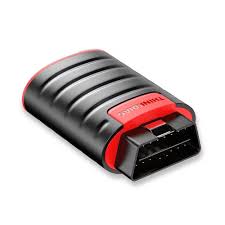
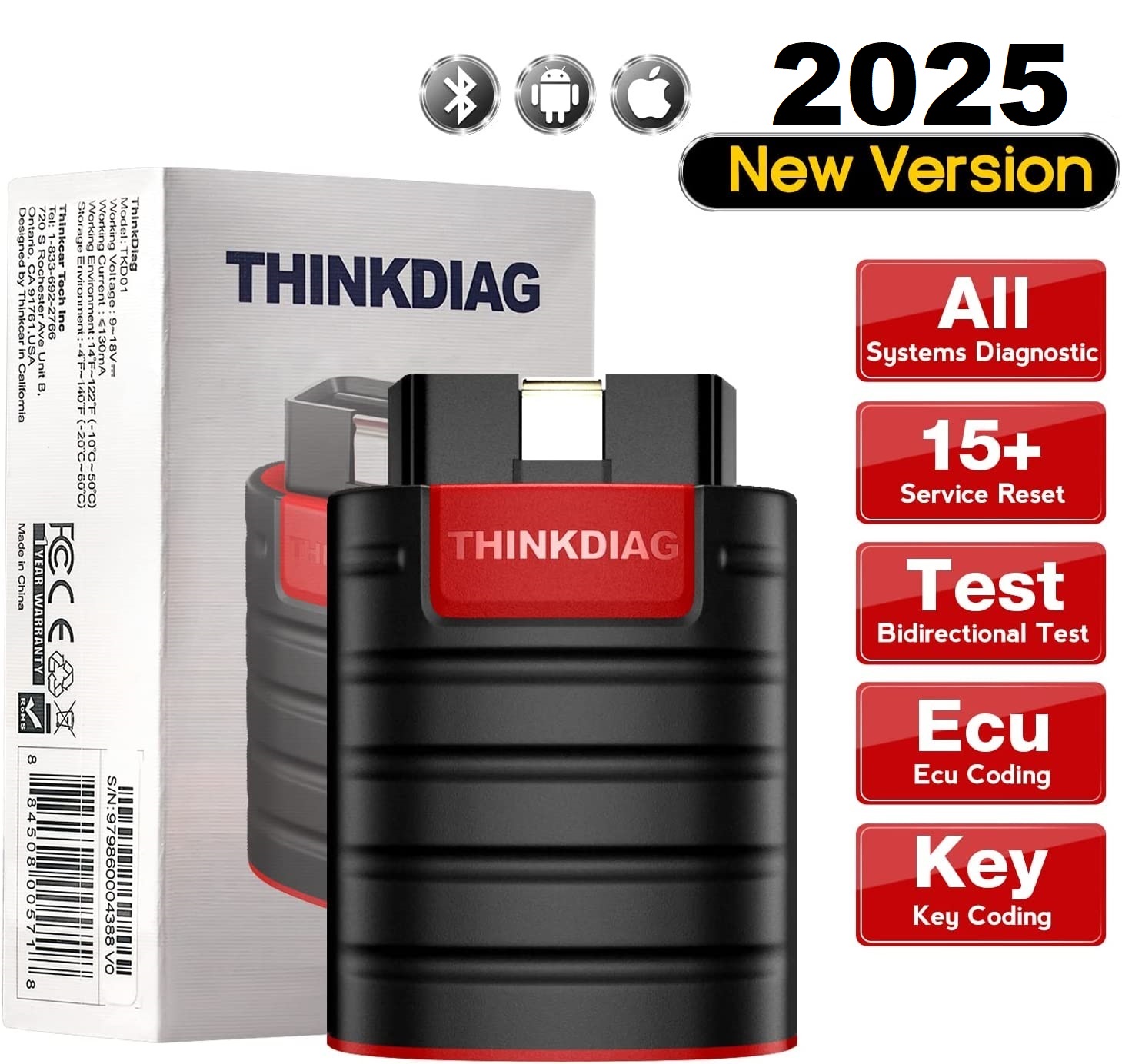
- Connectivity and Interface: The device connects to your iOS or Android device via Bluetooth 4.2 (or higher for newer versions) using the dedicated ThinkDiag app. The app features an intuitive interface that displays live data streams in graph or text format and automatically identifies the vehicle’s VIN for faster diagnosis.
- Full System Diagnostics: It can access and diagnose all available electronic control units (ECUs), including engine, transmission, ABS, SRS (airbag), TPMS, fuel system, and more.
- Advanced Functions:
- Bi-directional Control (Actuation Tests): Allows users to send commands to vehicle components (e.g., turn on/off the radiator fan, operate windows, test door locks) to verify their functionality without using the vehicle’s own controls.
- ECU Coding: This function is used to re-flash vehicle control modules, reprogram adaptive data for certain components after repairs or replacements, and even unlock hidden functions in some vehicles (e.g., change chimes, customize lighting).
- 15+ Maintenance/Reset Functions: Includes commonly used service functions such as Oil Reset, Electronic Parking Brake (EPB) Reset, SAS (Steering Angle Sensor) Calibration, ABS Bleeding, DPF (Diesel Particulate Filter) Regeneration, TPMS Reset, Injector Coding, and Battery Matching.
- Vehicle Compatibility: The ThinkDiag supports over 115 car brands worldwide (covering American, European, and Asian vehicles) that are OBD-II compliant (1996 and newer for most US vehicles). It is a 12V tool and does not support 24V trucks.
- Reporting: Users can generate and print or share professional diagnostic reports in PDF format.
Subscription Model and User Experience
The ThinkDiag operates on a software subscription model, which is a key consideration for users.
- Initial Purchase: The device typically comes with a one-year free subscription that unlocks all supported car brands and maintenance software.
- After One Year: After the initial year, the software subscription expires.